Human-led tools. Brand-led decisions.
Small Business Tech Training & AI Setup
Technology that supports your business. AI visuals that feel considered, not generic. A patient creative partner who helps you put it all together.
Small business tech training
Learn what you need.
Leave the jargon behind.
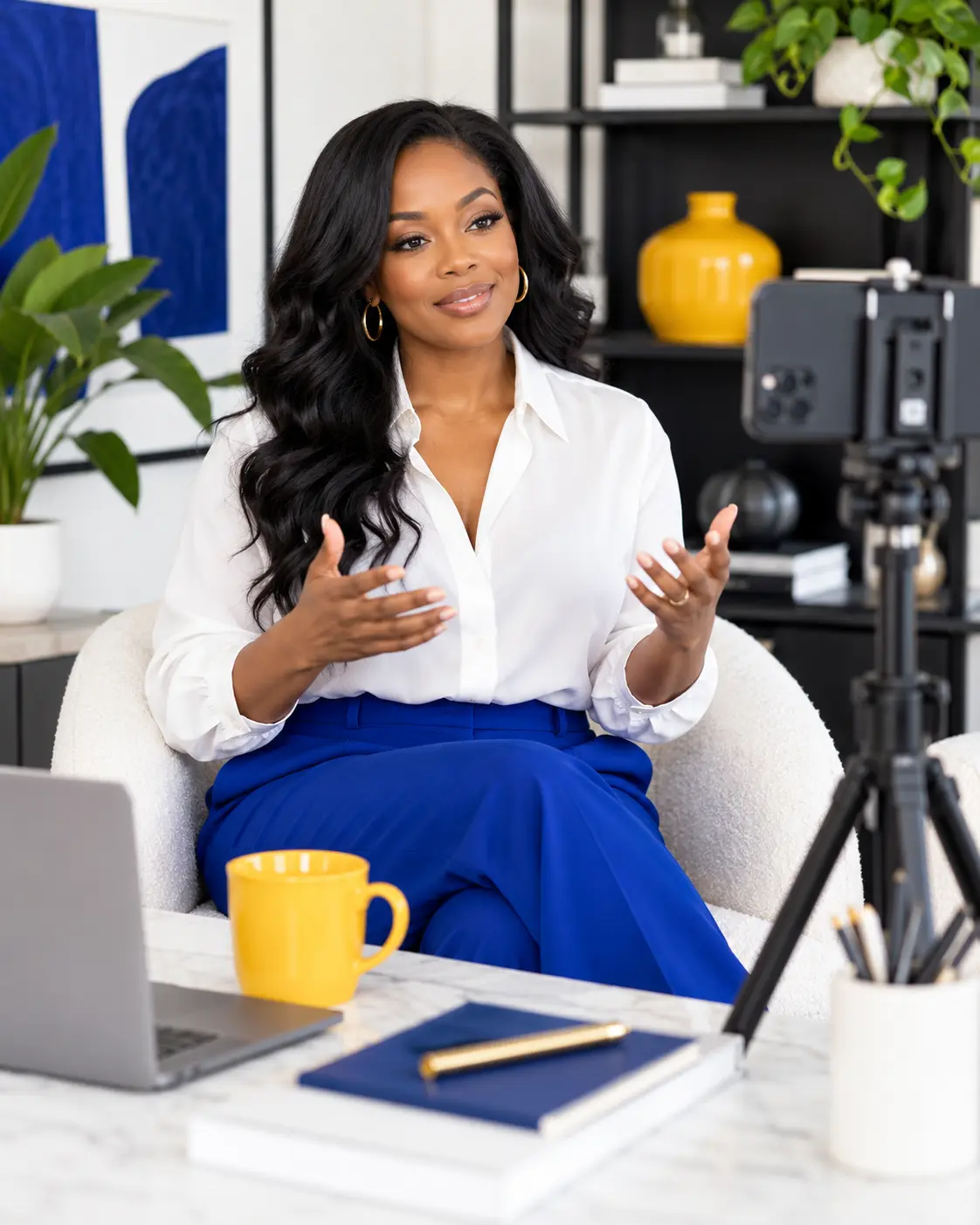
For women entrepreneurs who know their business but want hands-on help with the tools behind it. We work through your real tasks, at a pace that makes sense for you.
- Website updates, forms, funnels, and everyday account setup.
- Canva and content tools, with templates aligned to your brand.
- Guided practice, a repeatable process, and clear handover notes.
- Choosing tools around your needs, rather than adding another subscription without a purpose.
AI setup & automation
A useful assistant.
Not another thing to manage.
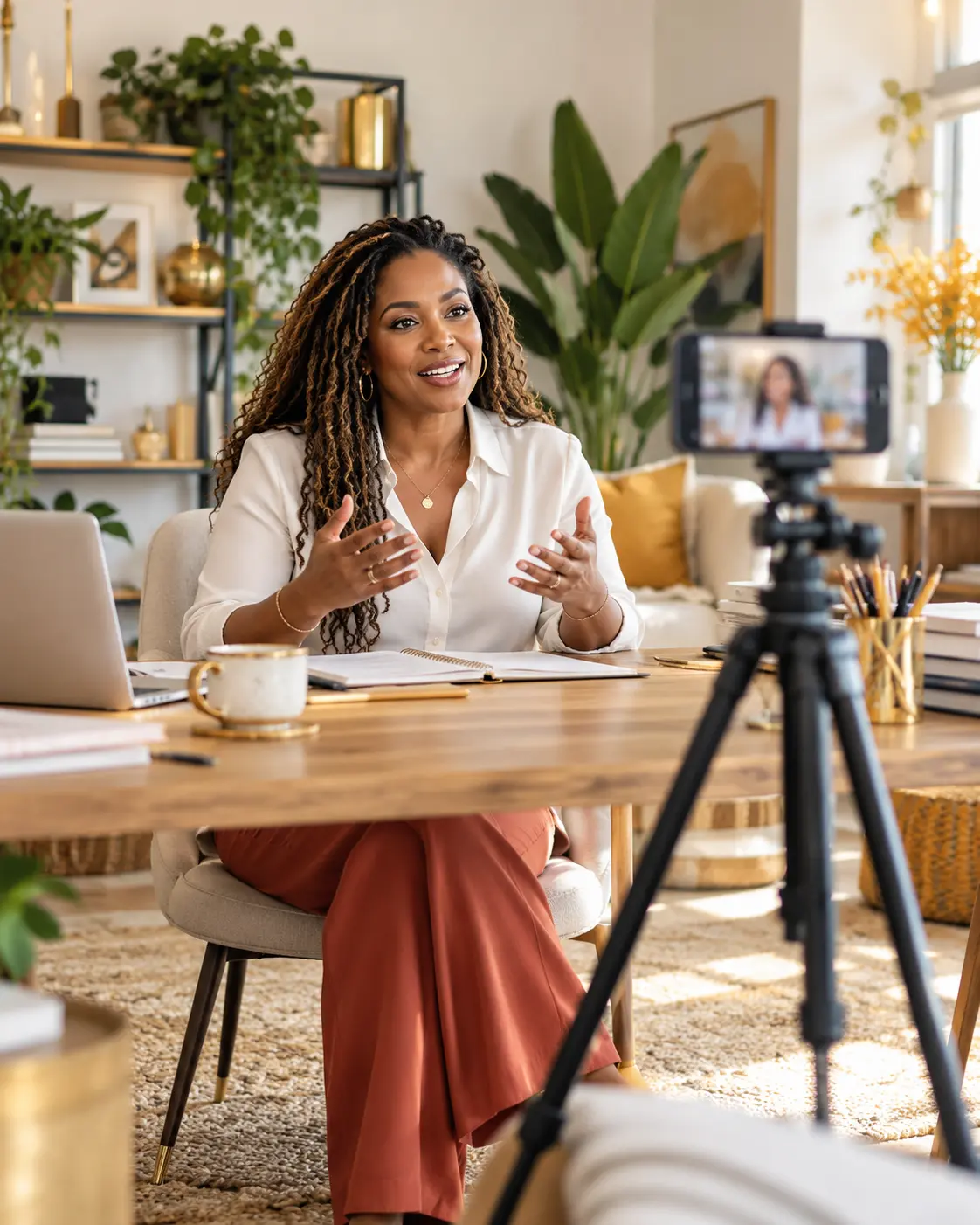
We identify the repeatable work, set up appropriate AI tools, and show you how to keep control of the output. Muse assistant setup can be part of that plan when it fits your business.
Start with your workflow
Map the tasks that take up your time: organizing inquiries, drafting follow-ups, outlining content, and preparing internal notes.
Build and test the setup
Create reusable instructions, connect suitable tools where supported, and test with examples before putting a workflow into everyday use.
Keep a person in the loop
Decide what needs approval, what information should stay private, and what happens if the system gets something wrong.
AI creative direction
AI is the tool.
The direction is still human.
The goal is to move beyond the generic “AI look”: visuals with an intentional story, believable details, and a consistent brand feeling. That means making creative decisions first, then generating, selecting, editing, and reviewing — not accepting the first image a tool returns.
A brand-first visual brief
Define the audience, mood, story, palette, composition, and what belongs in your brand. The BUILD framework provides the direction before any tool is opened.
References and image direction
Use approved visual references and carefully written prompts to guide lighting, styling, backgrounds, and composition. We review a set of images for consistency, not just one good picture.
Selection, refinement, and layouts
Choose the strongest options, refine distracting details, and arrange the images for your website, campaign, or social content. Real product and personal photography still matter when people need to inspect what you actually sell or who you are.
A usable handover
Agree the asset scope on your call, then prepare the selected visuals, launch assets, and a brand guide so your team can keep the direction consistent.
The details deserve a second look
The glitches we look for.
AI images can still include mistakes. Human review helps catch problems, but no tool or review process guarantees a flawless result or an image that cannot be identified as AI-generated.
People and physical details
Hands, anatomy, expressions, jewelry, and the way a person interacts with an object.
Words and brand details
Misspelled labels, distorted text, incorrect logos, and product packaging that does not match the real thing.
Scene and series consistency
Lighting, shadows, reflections, repeated objects, backgrounds, and a person's appearance across different images.
Responsible creative work
Polished doesn't mean pretending.
We discuss permission to use reference images, privacy, where disclosure is appropriate, and the rules of the tools and channels you use. AI visuals should not be passed off as real client results, real events, or accurate product evidence when they are not.
Where supported, Content Credentials can provide context about how an asset was created or edited. They do not guarantee truth, ownership, or error-free content.